Free channel scan
How accessible is your YouTube channel?
See which videos have accurate captions, which likely need audio description, and how much new video you'll need to keep accessible after your deadline. Free for districts, health centers and public agencies: sign in with your work email.
Your district channel
Scanning uploads
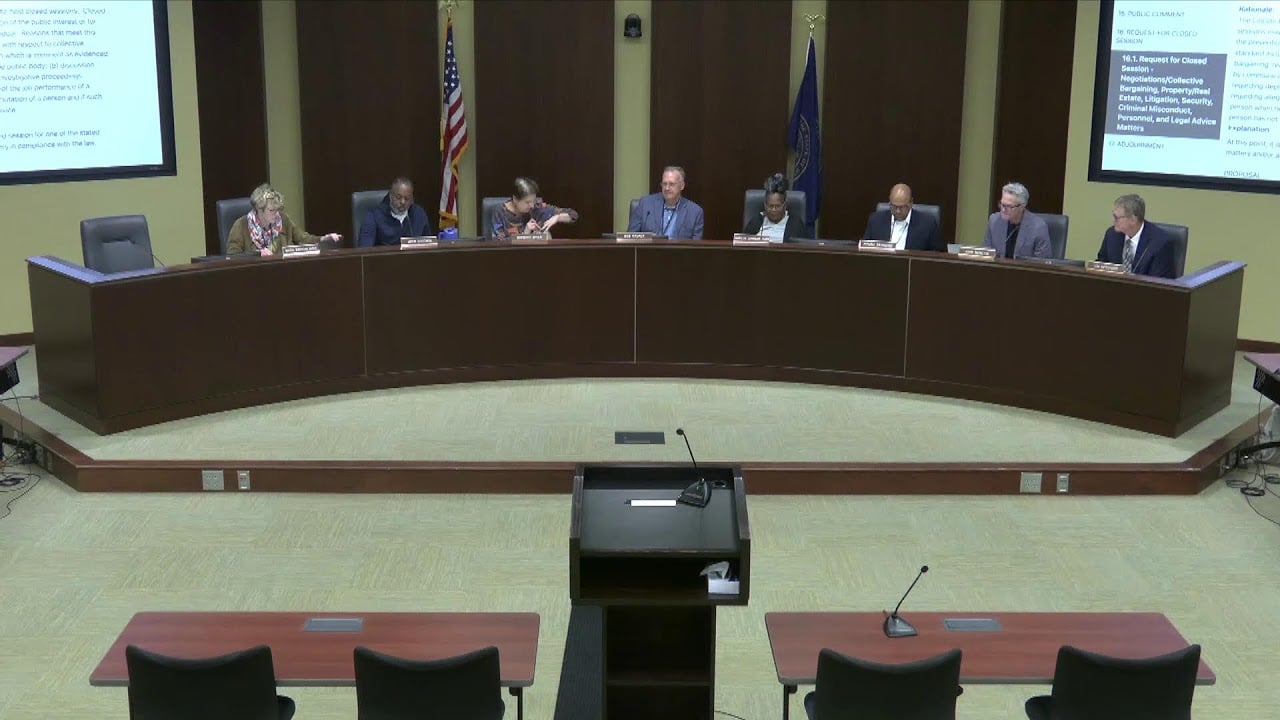
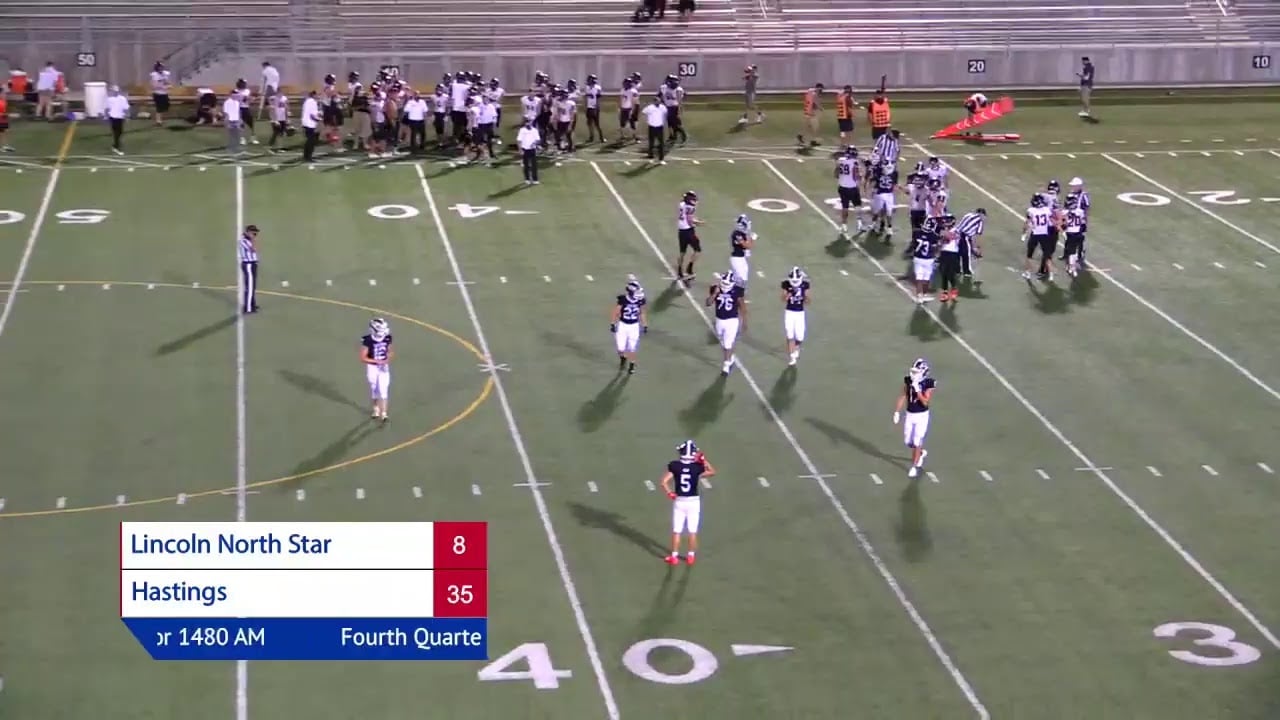

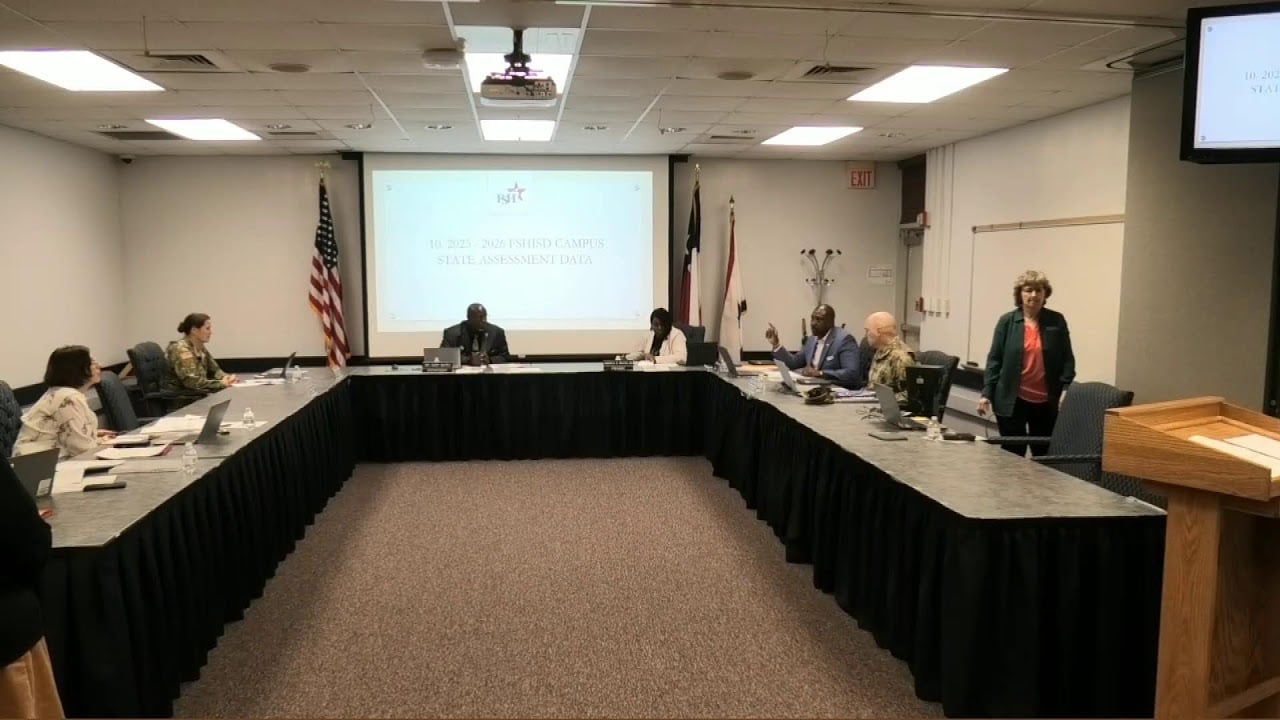
Illustration: a scan marks each upload as missing captions, needing audio description, or OK.
Questions
What people ask first.
Something else? Send us a message
Why do I need to sign in?
The scan is for the organizations the accessibility rules cover, and each one uses our YouTube quota. Sign in with your work email at a school district, health center, college or public agency; we email you a code, with no password. Personal addresses (Gmail, Yahoo, Outlook) can't sign in. If your organization's address isn't accepted, tell us and we'll add it.
What does the scan read?
Public data from the YouTube Data API: each upload's title, date, length, whether it was a livestream, and whether it has an uploaded caption track. We don't download your videos or sign in to your channel.
Why does a video with captions show as missing?
YouTube's automatic captions don't count: they're not accurate enough for WCAG 1.2.2, and YouTube doesn't report them as captions. Only caption tracks someone uploaded or edited and published count.
How do you guess which videos need audio description?
From the title, length and type of video: highlight reels, sports, short promos and tours usually carry information in the picture; meetings and ceremonies often do (slides, votes by show of hands, names on screen). The full product samples the frames and compares them with the transcript before deciding.
How does my channel compare?
In our October 2026 scan of 17 district channels, 3% of videos had accurate captions and 7% of the last year's uploads did. None mentioned audio description.