For health centers and FQHCs
Patient videos everyone can follow.
Section 504 now requires providers that receive HHS funding to meet WCAG 2.1 AA: by May 11, 2027 with 15 or more employees. Patient education, service videos and webinars all need accurate captions, and audio description where the picture carries the message.
Free, public data only. Or join early access
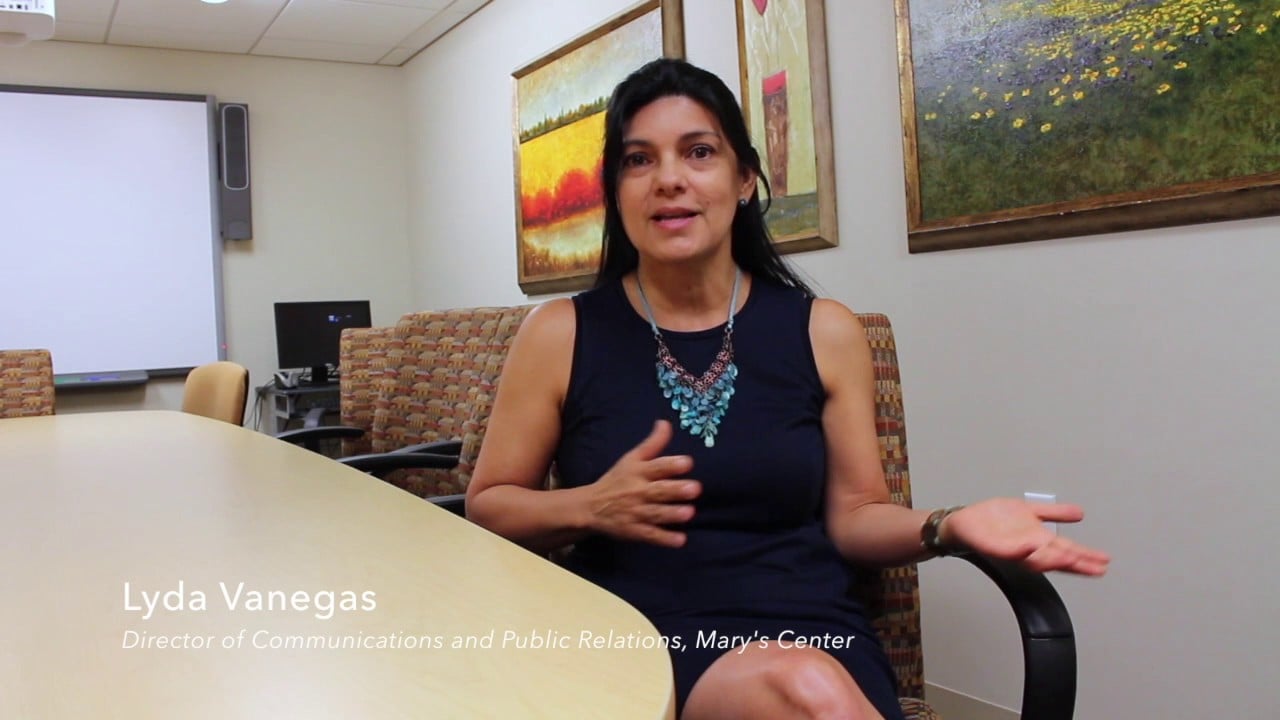
Section 504 (HHS), 15+ employees
May 11, 2027
Section 504 (HHS), under 15 employees
May 10, 2028
Built for the video you post
Not lecture capture. Your patients' videos.
Generic caption vendors are built around lectures and marketing. Most public video is something else. Here's what Ferndean adds to real uploads like yours.
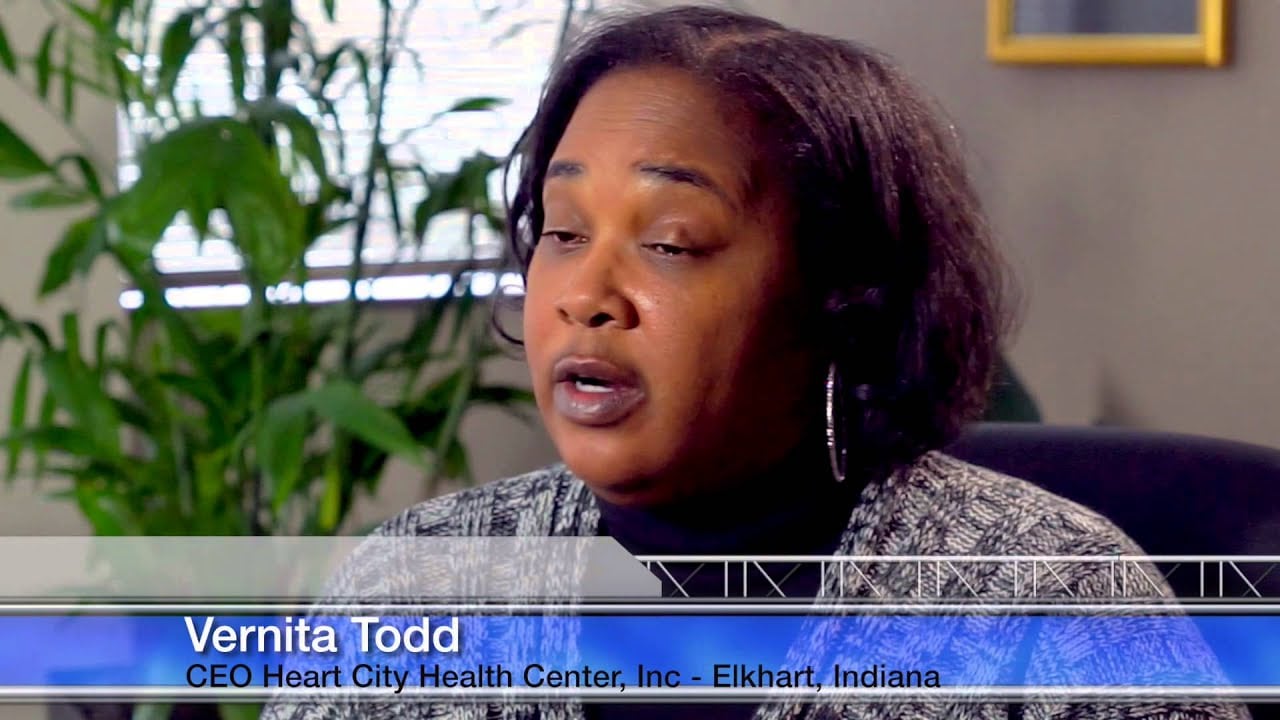 ExplainerWe serve everyone who walks through our doors.
Audio description: On screen: Vernita Todd, CEO, Heart City Health Center, Elkhart, Indiana.
Patient education and stories
Names and titles on screen, and anything shown but not said, get described so the message reaches everyone.
 Virtual tour♪ upbeat music ♪
Audio description: Title card: Heart of Ohio Family Health, Quick Virtual Tour Video.
Tours and service videos
Tours and promos are often music over pictures. We describe the entrance, the signs and the services shown.
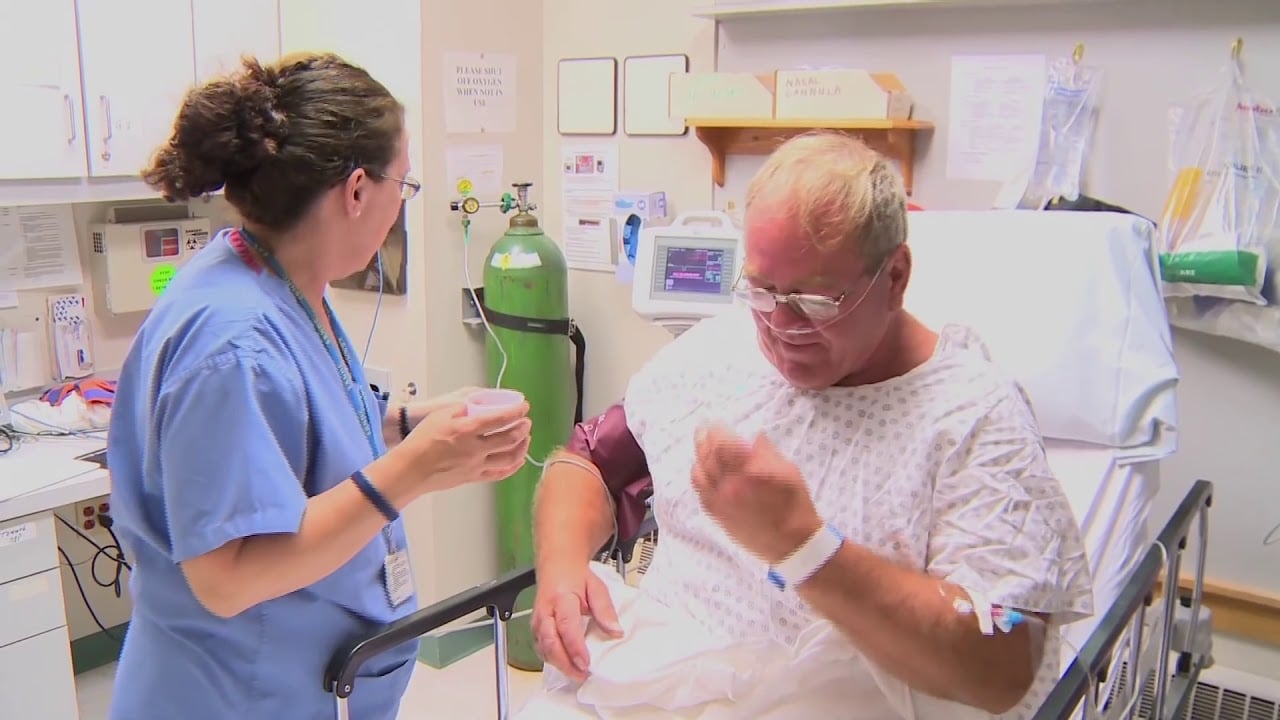 Story
StoryAudio description: A nurse in blue scrubs talks with a patient sitting up in a hospital bed.
Care in action
Clinical scenes carry meaning in the picture. A short description in the pause keeps viewers who can't see it with you.
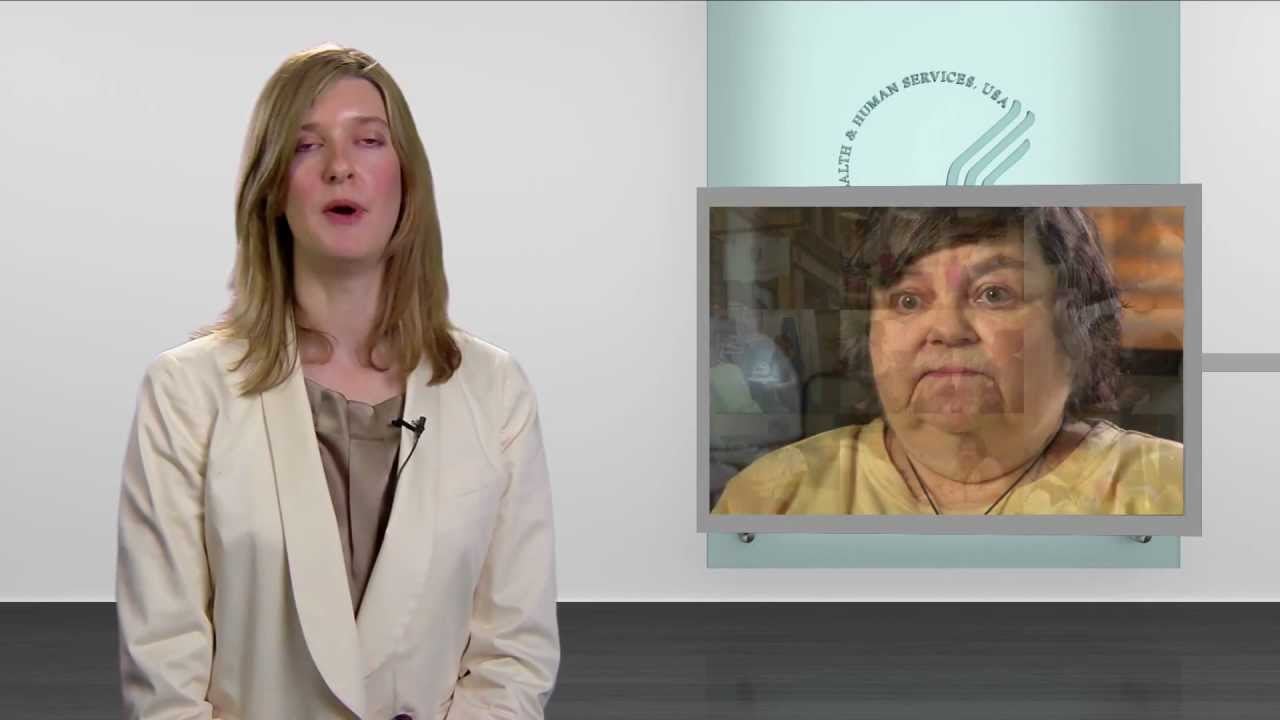 WebinarPRESENTER: Health centers are part of the community.
Audio description: A presenter stands beside an inset video of a patient speaking.
Webinars and board meetings
Captions with speaker names, and slides that aren't read aloud described in the pauses.
Real public uploads. Captions are illustrative; each description only says what the frame shows.
What the rules ask for video
WCAG 2.1 AA, in plain words.
Section 504 (45 CFR 84.84–84.86) requires health providers that receive HHS funding to make web content meet WCAG 2.1 AA. For video, these are the success criteria that matter.
Captions on recorded video
Every recorded video with sound. Accurate captions, not YouTube's automatic ones. A livestream replay counts as recorded video.
Audio description
Only when the picture carries information the soundtrack doesn't: a scoreboard, unread slides, a vote by show of hands.
Captions on live video
Livestreams while they're live. Live video itself needs no audio description; its replay does, where applicable.
Audio-only and video-only
A transcript for audio-only content such as podcasts. Silent video gets a transcript or audio description.
Sign language (1.2.6) is Level AAA, so it isn't required. Older videos may be exempt as archived content or preexisting social media posts, but YouTube isn't named in either rule, and exempt content must still be made accessible when someone asks. We label old uploads “probably exempt (unclear)”, never “exempt”.
How it works
Set it up once. Every upload after that is covered.
Built so a communications office of one can keep up, without learning caption formats or WCAG.
STEP 1
Connect your YouTube channel
Sign in with Google. We read your uploads; nothing is posted until you say so.
STEP 2
See what's in scope in a minute
Every video sorted into in scope, probably exempt (unclear) and already OK, with the ones that likely need audio description flagged.
STEP 3
Every new upload handled
Accurate captions with speaker names, published back to YouTube. Audio description written for the pauses, voiced, and linked as a described version.
STEP 4
Requests answered within 48 hours
A public “request an accessible version” page. Each request is queued, the requester is kept posted, and it's logged.
STEP 5
A report you can show
Inventory, statuses, what was fixed and when, the request log and a policy template, for your board or an OCR inquiry.
Your district channel
Scanning uploads
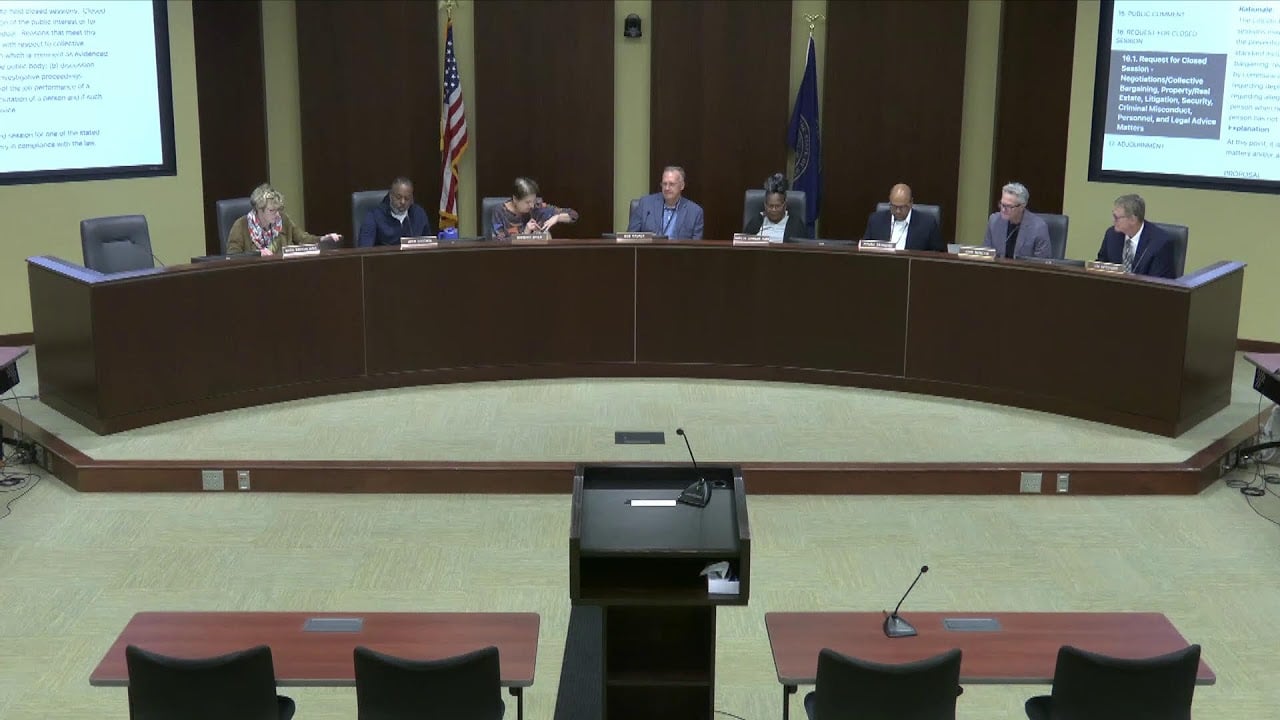
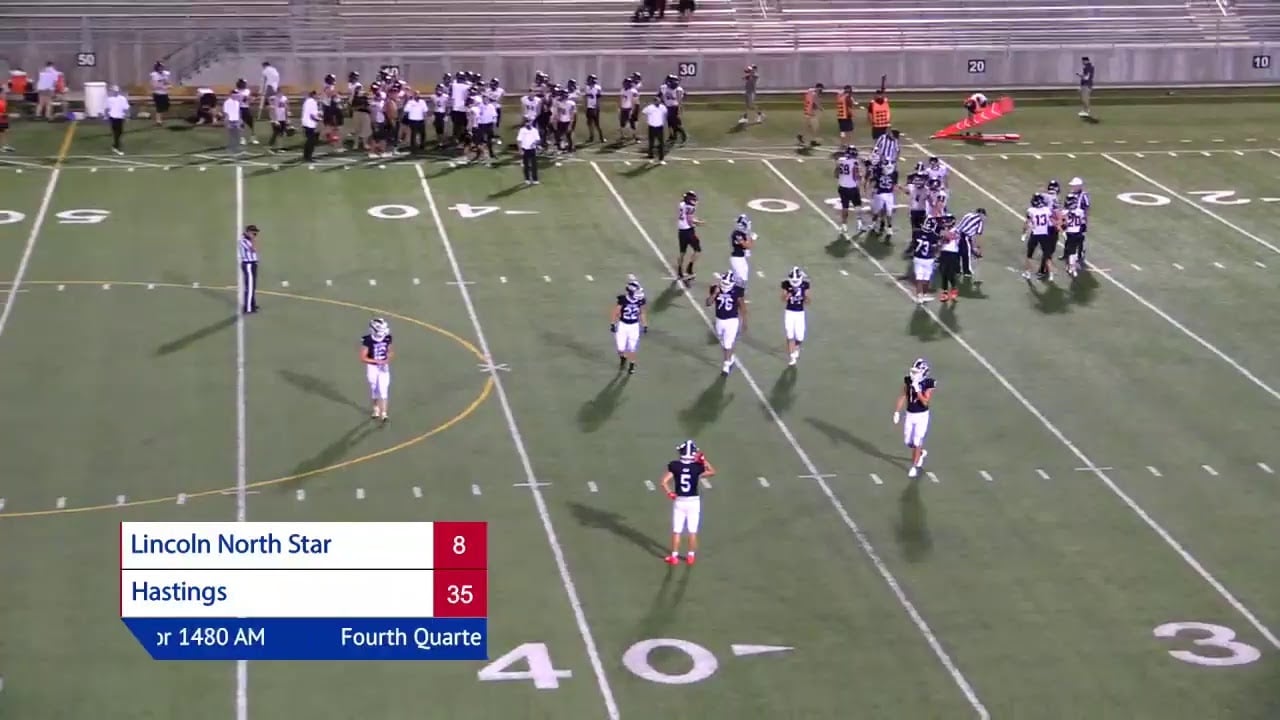
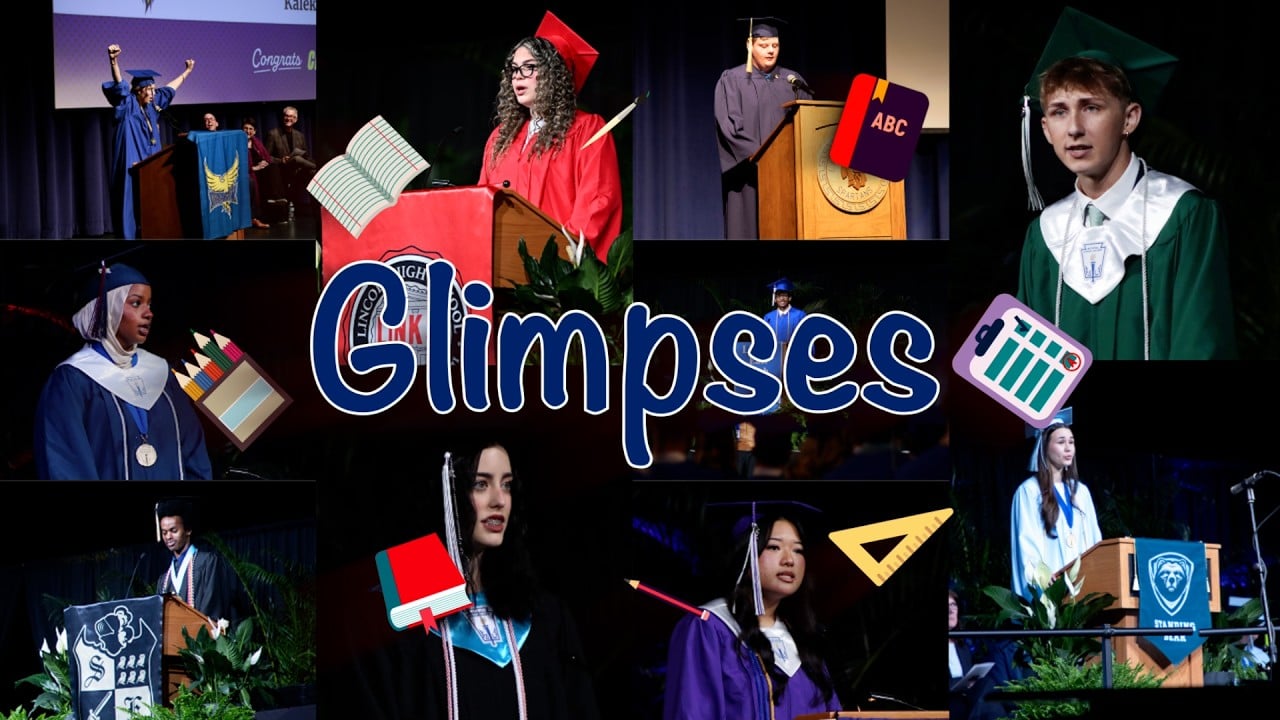
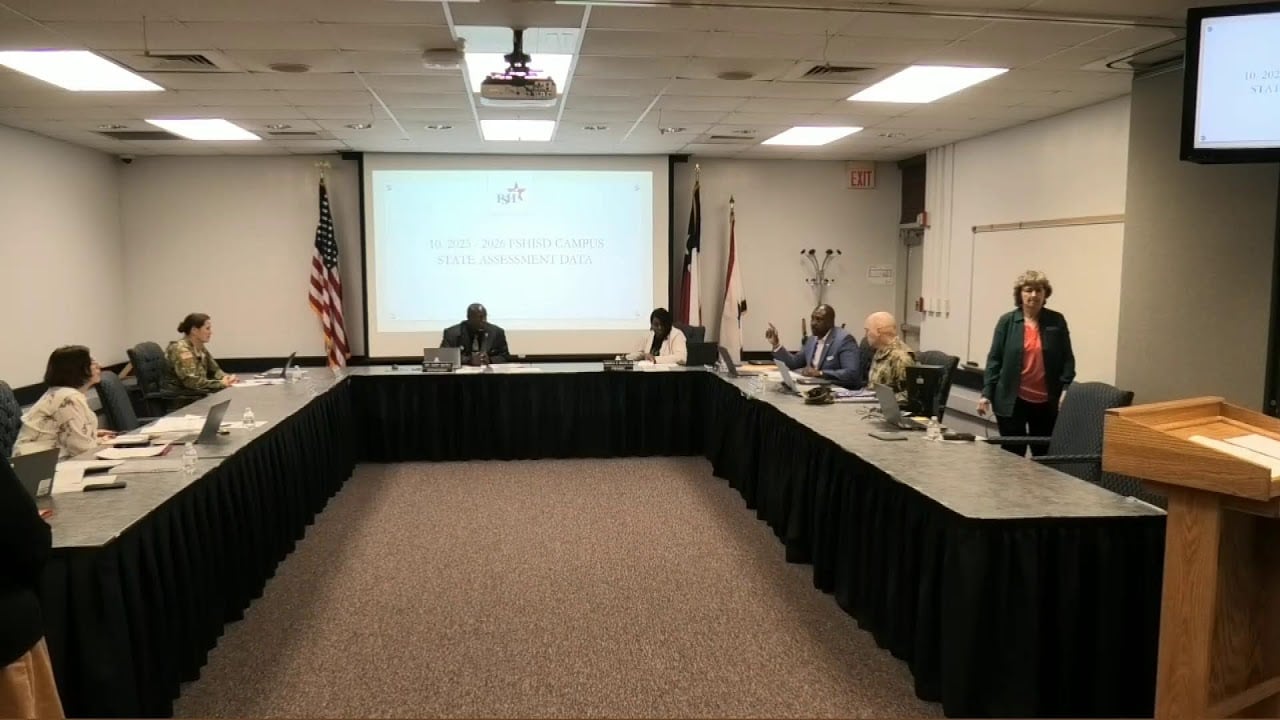
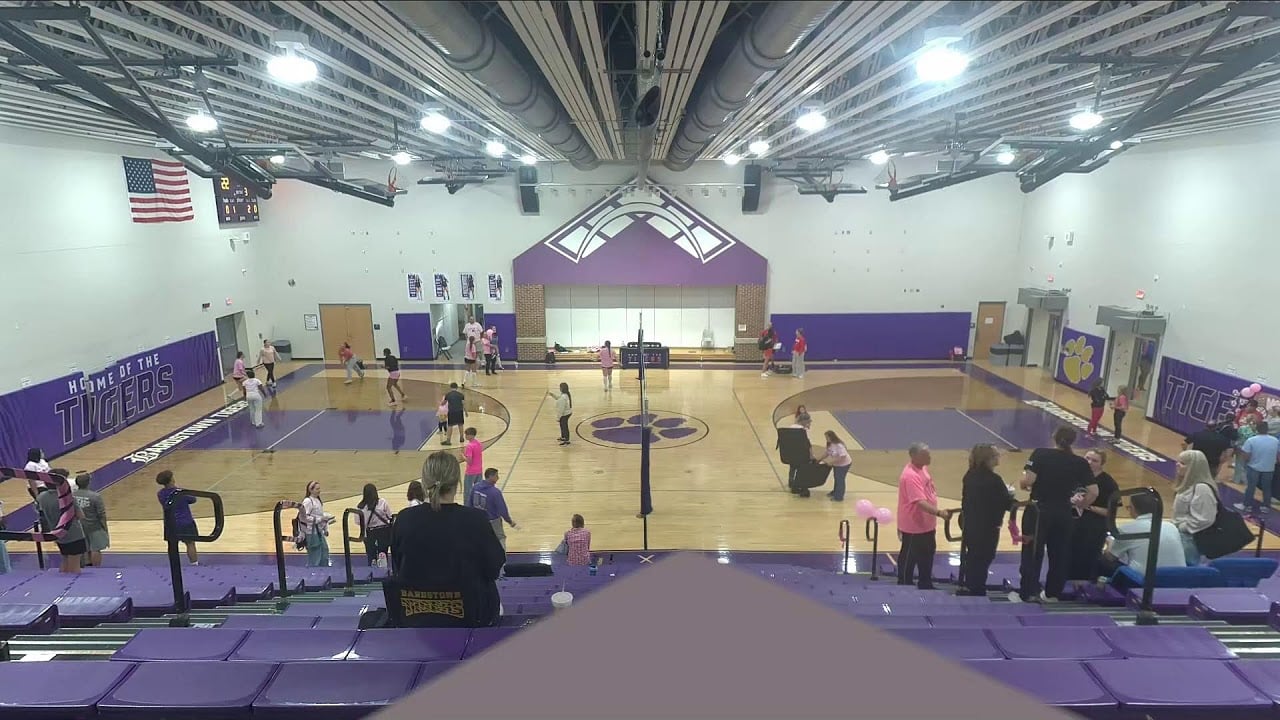
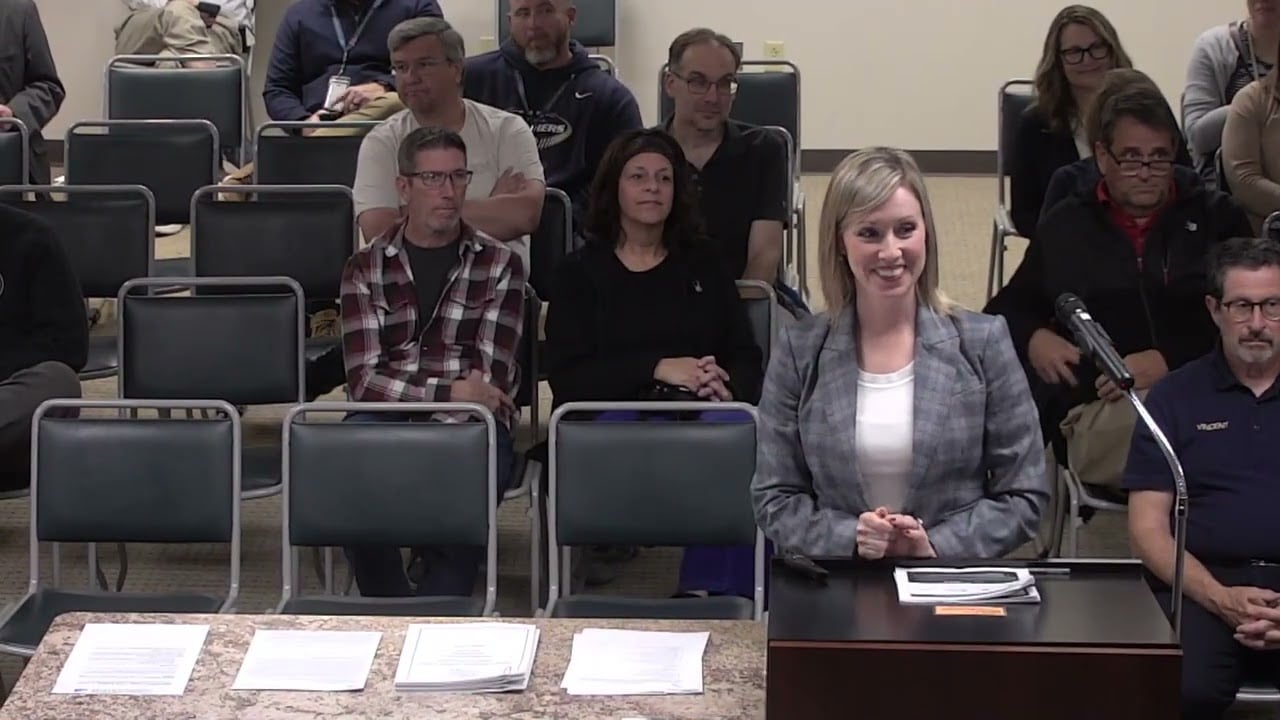
Illustration: a scan marks each upload as missing captions, needing audio description, or OK.
Real uploads from district channels. The free scan does this for your channel today.
Pricing
One flat yearly price. No per-minute surprises.
A typical district posts about 18 hours of new video a year. The free scan tells you your number.
Starter
For most districts and health centers.
$1,200/ year
20 hours of new video a year
- Up to 20 hours of new video a year
- Accurate captions on every new upload, published to YouTube
- Audio description when the picture carries information
- Public request page with 48-hour turnaround
- Compliance report for your board or OCR
Standard
Most districtsFor districts that stream board meetings and games.
$2,400/ year
60 hours of new video a year
- Up to 60 hours of new video a year
- Everything in Starter
- Speaker names and motions on board-meeting captions
- Multiple YouTube channels
- Priority turnaround on requests
Large
For large districts, cooperatives and systems.
Let's talk
Custom volume
- More than 60 hours a year
- Everything in Standard
- Website crawl for embedded video
- Purchase order and cooperative contracts
- W-9, insurance certificate and data privacy agreement
Pay by card or purchase order. Under the $15,000 federal micro-purchase limit and local bid limits, so no RFP.
Older videos, when someone asks or you choose to fix them: $90 per hour, captions and description included.
Early access: reserving a plan costs nothing today. Now enrolling pilot districts and health centers for spring 2027.
Buying it
Small enough for a purchase order.
No sales cycle and no procurement project. Your communications or compliance lead can start with the free scan today.
W-9 and certificate of insurance
No patient data: we only process video you've already published
Card or purchase order, invoiced yearly
Accessibility conformance report (VPAT) for the app itself, before launch
Questions
What people ask first.
Something else? Send us a message
Do YouTube's automatic captions count?
Are our old videos exempt?
Which videos need audio description?
How does audio description work on YouTube?
What happens if we miss the deadline?
Is it available now?
Why is it called Ferndean?
Is this legal advice?
Free channel scan
How accessible is your channel today?
Paste your YouTube channel. In under a minute you'll see how many videos have accurate captions, how much new video you post a year and which uploads likely need audio description. Free, no sign-up.